
One App for All
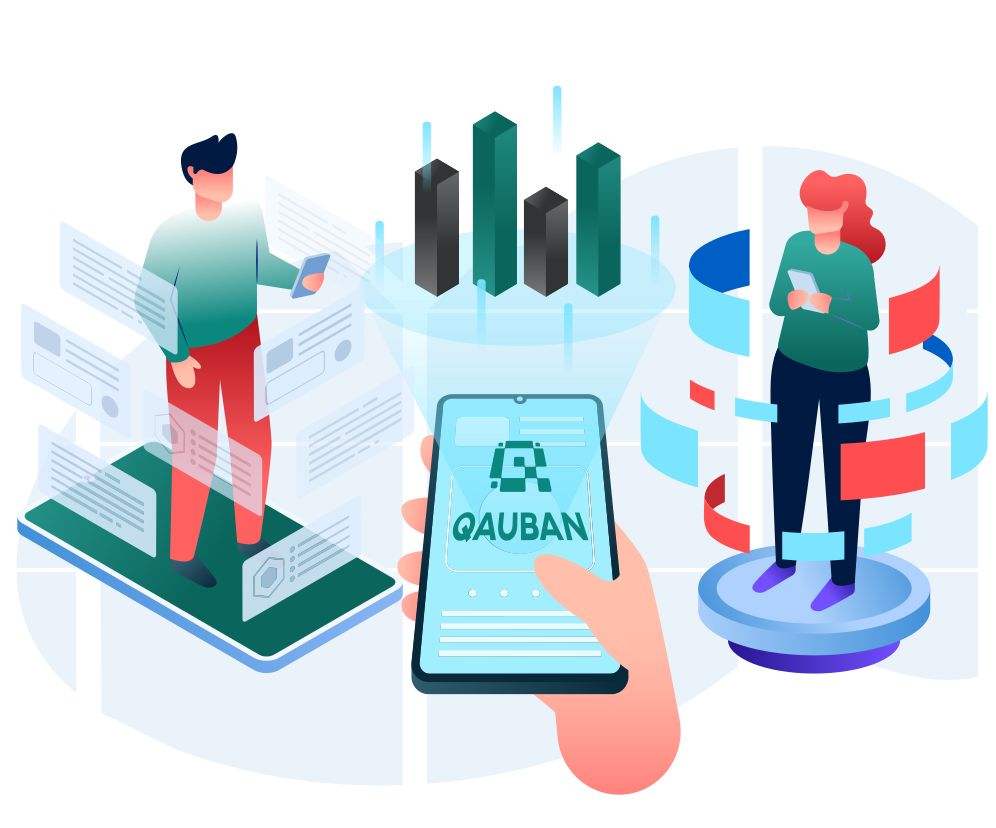
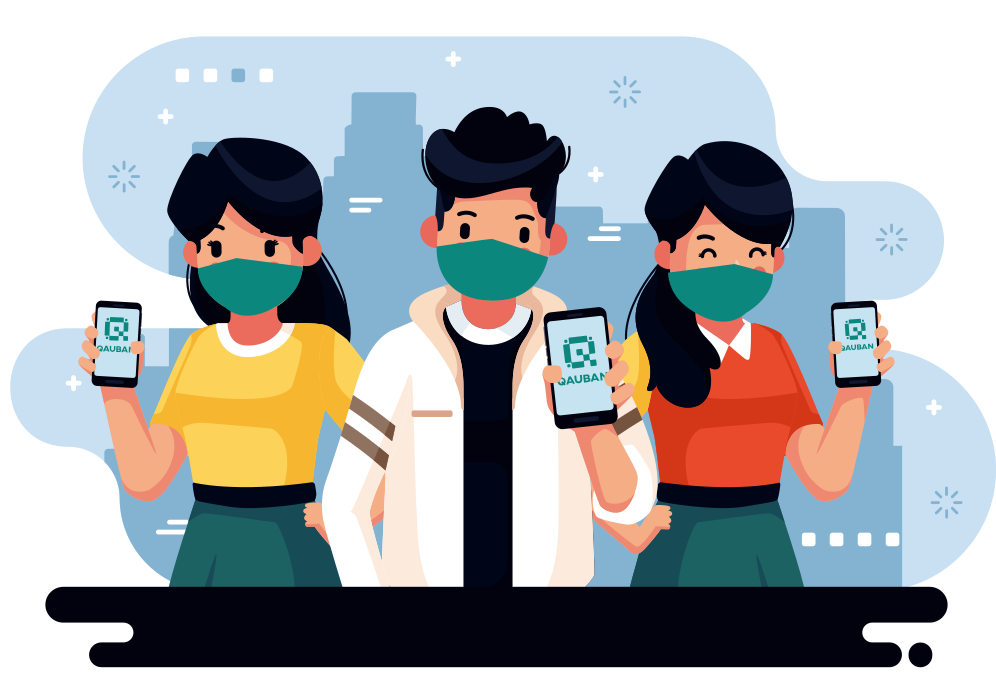
Visitors can now avoid using pen and paper when writing down their contact details. Just scan the establishment’s QR Code using your mobile phone or let the establishment scan yours.
Secure Encrypted Data
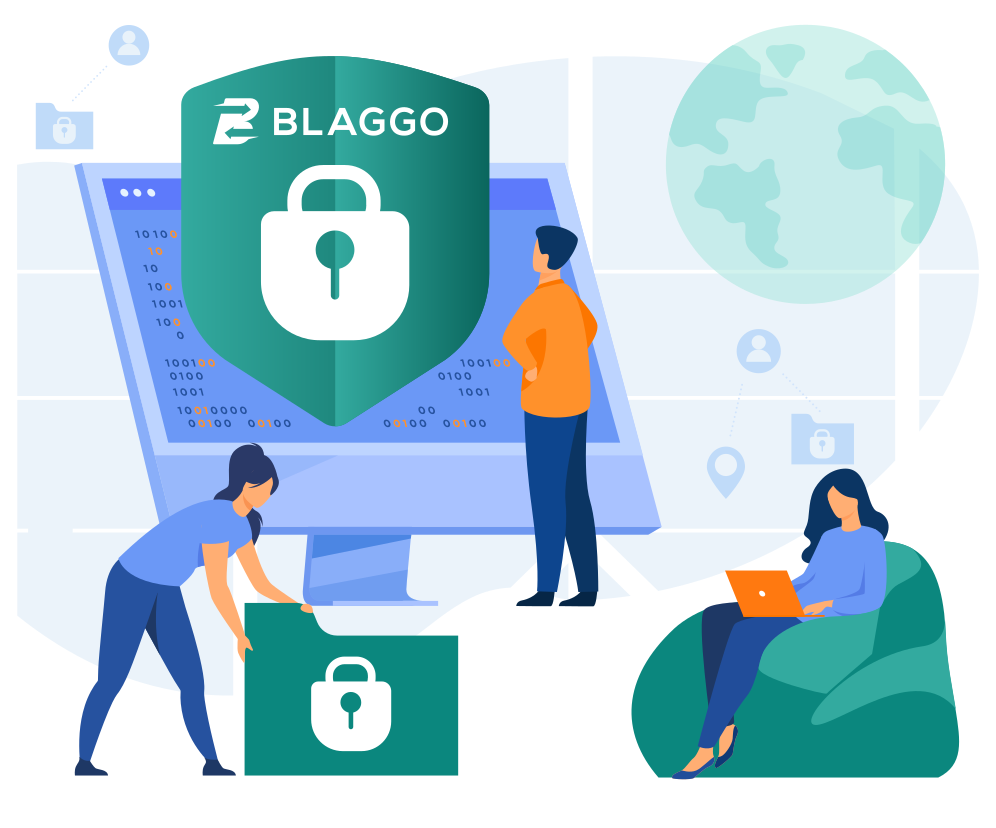
We manage, store, and secure your data under Blaggo’s cloud server. Data is shared only with the LGU for contact tracing purposes.
Locally developed
Cebuanos looking out for our fellow Cebuanos. Everything is developed locally in Cebu, and it’s only proper for us to look out for you.
How it Works?
Register once and use the same QR code anywhere in the LGU.
1
Download the App
Download the FREE app on your Android phone via Google Play. (IOS support coming soon.)
2
Register
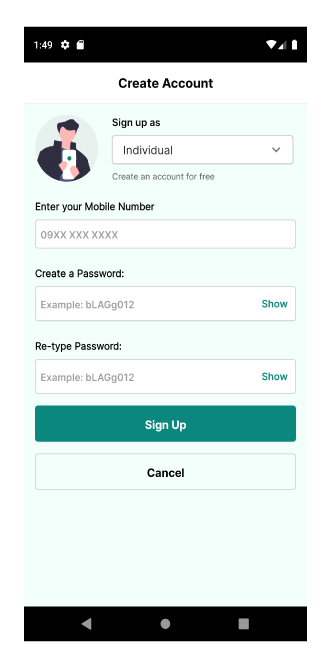
Sign-up as your household head with your contact details and generate your QR Code.
3
Get Activated
Account will be activated through verification using your VECO account number or with the help of your barangay. No need for IDs.
4
Activate the Members of Your Household
After activation, household heads can then scan the QR Codes of their household members to get their accounts activated too.
5
Scan or Get Scanned
Scan the establishment’s QR Code displayed at the entrance using your mobile phone, or get your printed QR Code scanned by the guard before proceeding into the establishment.